How to Install MCP Servers in Claude Code
Claude Code supports MCP (Model Context Protocol) servers. This post shows how to install one, using a Playwright server as the example.
The Quick Solution
Installing an MCP server in Claude Code can be confusing. I struggled with this a few times, so I wrote this post.
I am using a Playwright MCP server as an example. To install it, run:
claude mcp add playwright -s user -- npx -y @executeautomation/playwright-mcp-server
The command
This Playwright MCP server is a JavaScript NPM package. That is true for many MCP servers.
The parts:
claude mcp add- Adds an MCP server to Claude Codeplaywright- The name you give this server in Claude Code-s user- Scope "user": the server is available in all your projects. Without it, the server is installed for the current project only--- Everything after this is the command that runs the servernpx -y @executeautomation/playwright-mcp-server- Runs the server from the NPM package.-yskips the install prompt
The other options are in the official Claude Code MCP documentation.
Check
Run /mcp in Claude Code. It lists the installed servers, and "playwright" should be among them.
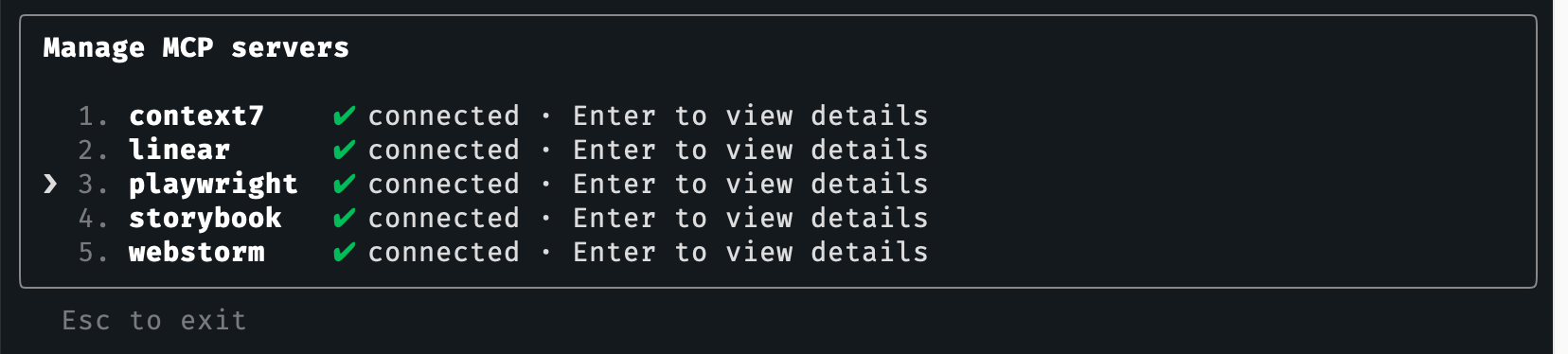
Press Enter on the entry to see its details.
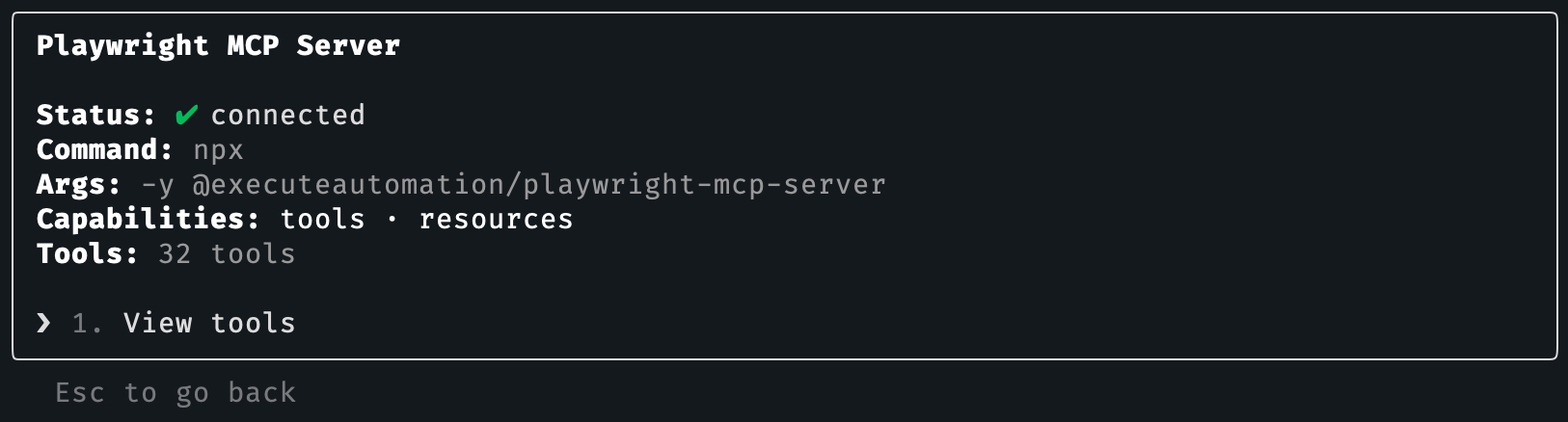
Enter again shows the tools the server provides.
Testing
Ask Claude to use it:
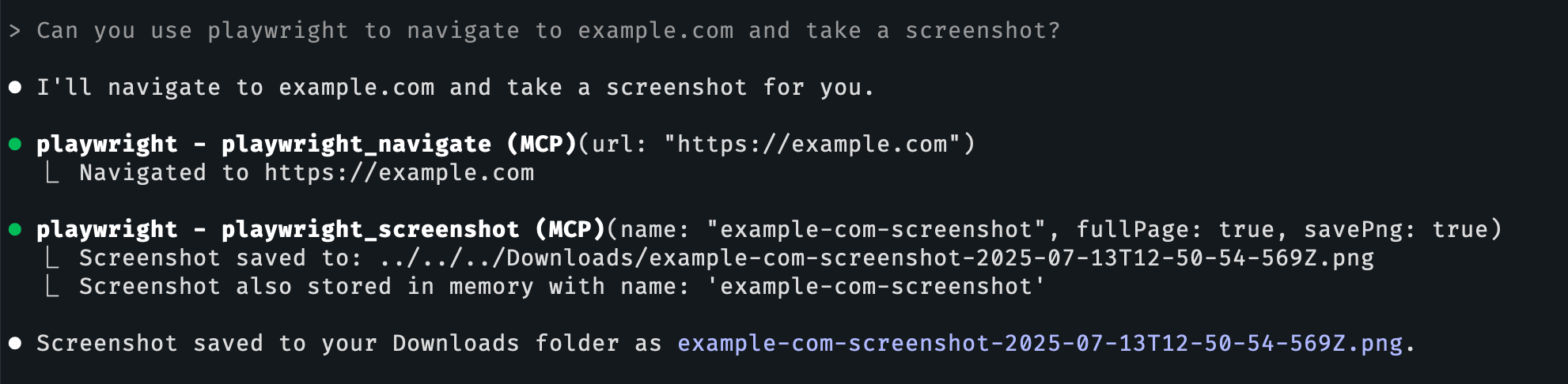
Can you use playwright to navigate to example.com and take a screenshot?